



























FREE shipping
00:00:00
製品
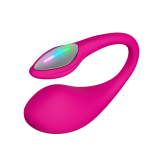
Lush 4 best Bluetooth remote-controlled G-spot vibrator

遠隔コントロールできるミニ&パワフルなGスポットたまご型バイブレーター

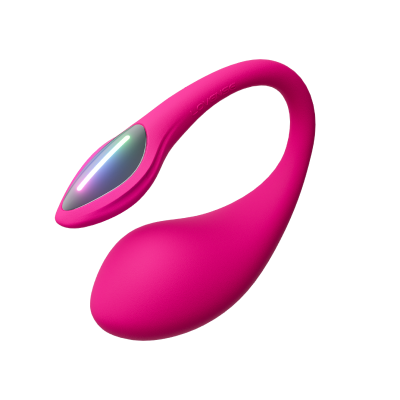
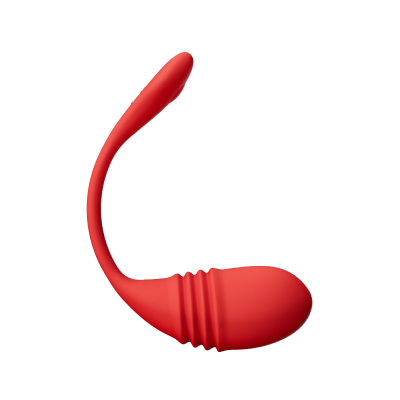
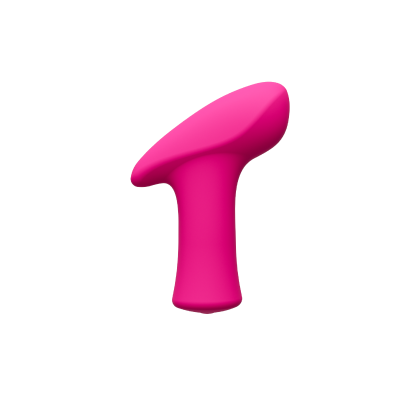
アプリで遠隔操作できるオタマジャクシ型バイブレーター
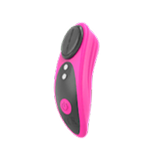
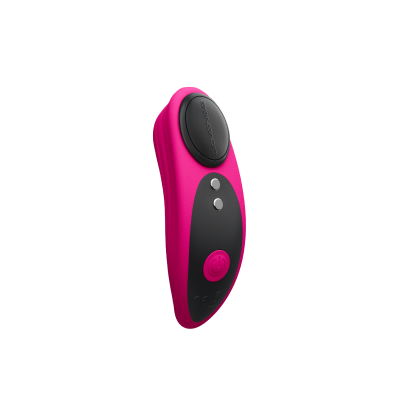
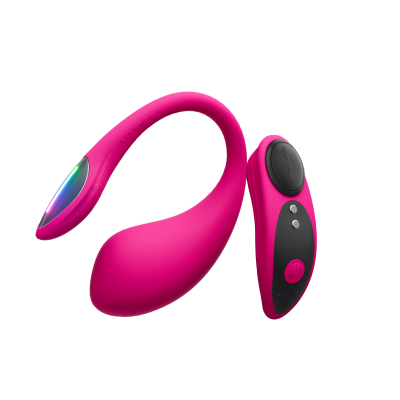
マグネット式パンティーバイブレーター
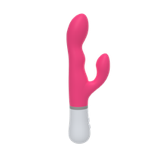
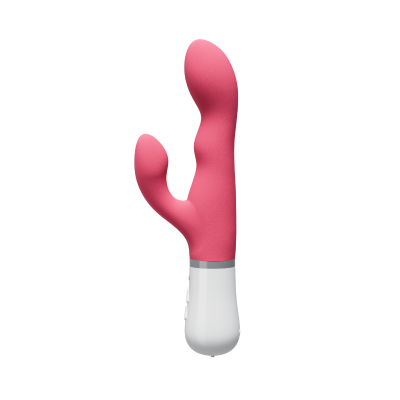
Nora うさぎ型バイブレーター
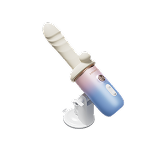
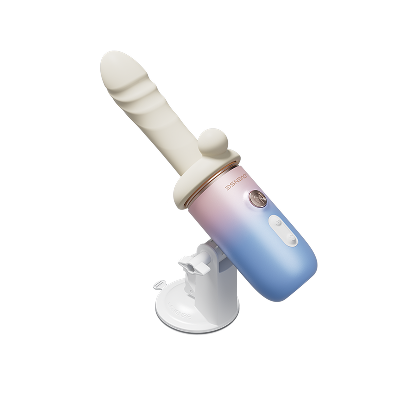
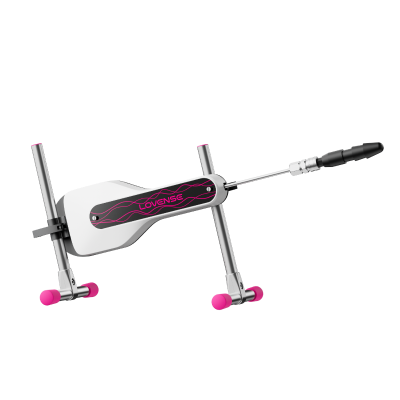
ポータブルピストン、振動&加温ディルド
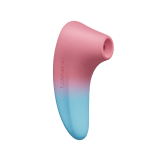
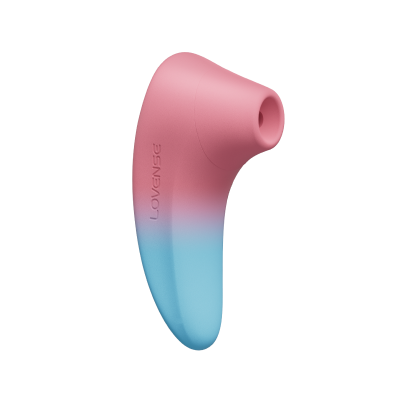
アプリ制御のクリトリス吸引刺激装置
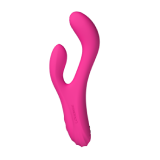
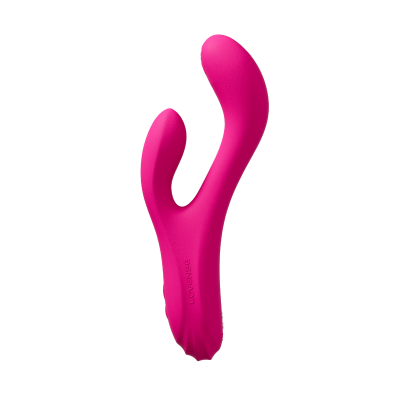
Osci 3 G-spotクリトリスを刺激するうさ型バイブレーター
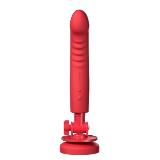
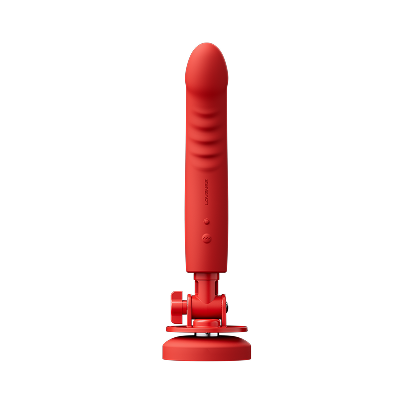
Mission 2の最高のタッチ-吸盤付きセンス振動ディルド

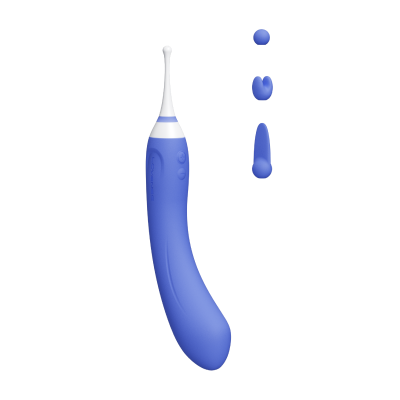
Come hither fingering vibrator
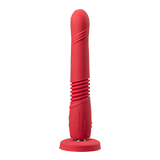
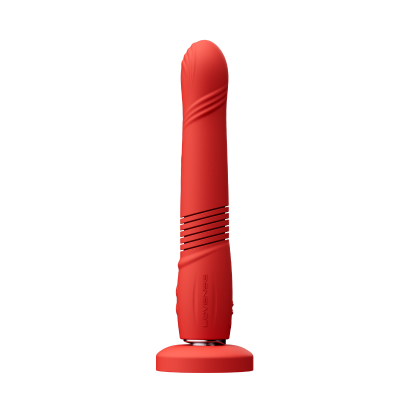
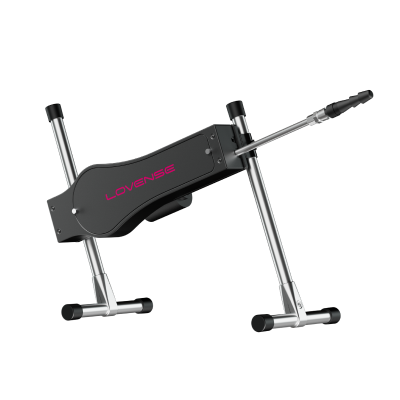
Best thrusting dildo vibrator

GスポットとクリをW刺激する遠隔バイブレーター

アプリでコントロールできる挿入と振動のたまご型Gスポットバイブレーター
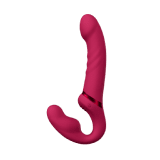
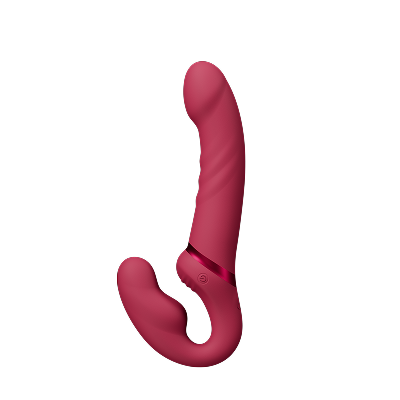
Lovense® Lapis: 紐なしで着けて楽しめる両端ディルド

Ambiピンポイントバイブレーター
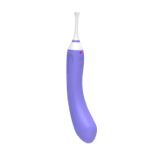
超高速バイブレーター
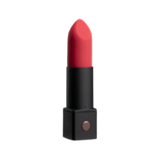
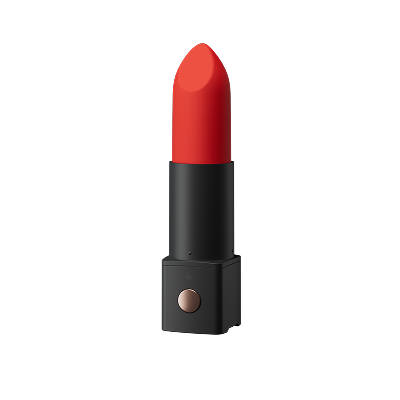
Bluetoothリップスティック型バイブレーター
カテゴリー
アプリ
ライブ配信
Lovenseの遊び方
Help Us Improve!
When browsing our dildo selection, do you see the type(s) you're interested in?

I see dildo machines

I see vibrating dildos

I see thrusting dildos

I see suction cup dildos

I see dual-stimulation/rabbit dildos

I don't see the type I'm looking for!
Lovense SDK Introduction
Process for using the Lovense SDK (Make sure Xcode is version 8.0 or above)

import Lovense
#import <Lovense/Lovense.h>Pass your token into Lovense framework
[[Lovense shared] setDeveloperToken:@"Your token"];
Add a scan success notification
                                [[NSNotificationCenter defaultCenter] addObserver:self selector:@selector(scanSuccessCallback:)
                                name:kToyScanSuccessNotification object:nil];      //Scanning toy success notification
                                -(void)scanSuccessCallback:(NSNotification *)noti
                                {
                                    NSDictionary * dict = [noti object];
                                    NSArray <LovenseToy*>* toys = [dict objectForKey:@"scanToyArray"];
                                }
Add a connect success notification
                                [[NSNotificationCenter defaultCenter] addObserver:self selector:@selector(connectSuccessCallback:)
                                name:kToyConnectSuccessNotification object:nil];     //Connected toy successfully notification
                                -(void)connectSuccessCallback:(NSNotification *)noti
                                {
                                    NSDictionary * dict = [noti object];
                                    LovenseToy * toy = [dict objectForKey:@"toy"];
                                    NSLog(@"%@",toy);
                                }
Search for the toys over Bluetooth
[[Lovense shared] searchToys];
Save the toys
[[Lovense shared] saveToys:toys];
Retrieve the saved toys
NSArray<LovenseToy*> * listToys = [[Lovense shared] listToys];
Connect the toy
[[Lovense shared] connectToy:toyId];
Disconnect the toy
[[Lovense shared] disconnectToy:toyId];
Send a command to the toy
                                [[LovenseBluetoothManager shared] sendCommandWithToyId:toyId
                                andCommandType:COMMAND_VIBRATE andParamDict:@{kSendCommandParamKey
                                _VibrateLevel:@(20)}];
Create YourProjectName-Bridging-Header.h
Import Lovense
#import <Lovense/Lovense.h>Pass your token into Lovense framework
Lovense.shared().setDeveloperToken("token")Add a scan success notification
                                NotificationCenter.default.addObserver(self, selector: #selector(scanSuccessCallback),
                                name: NSNotification.Name(rawValue: kToyScanSuccessNotification), object: nil)
                                //Scanning toy success notification
                                @objc func scanSuccessCallback(nofi : Notification)
                                {
                                    let dict = nofi.object as? [String, LovenseToy]
                                    let scanToyArr = dict?["scanToyArray"]
                                }
Add a connect success notification
                                NotificationCenter.default.addObserver(self, selector: #selector(connectSuccessCallback),
                                name: NSNotification.Name(rawValue: kToyConnectSuccessNotification), object: nil)
                                //Connected toy successfully notification
                                @objc func connectSuccessCallback(nofi : Notification)
                                {
                                    let dict = nofi.object as? [LovenseToy]
                                    let toy = dict?["toy"]
                                }
Search the toys over Bluetooth
Lovense.shared().searchToys()
Save the toys
Lovense.shared().save(toys)
Retrieve the saved toys
Lovense.shared().listToys()
Connect the toy
Lovense.shared().connectToy("toyId")Disconnect the toy
Lovense.shared().disconnectToy("toyId")Send a command to the toy
                                Lovense.shared().sendCommand(withToyId: "ToyId",
                                andCommandType: COMMAND_VIBRATE,
                                andParamDict: [kSendCommandParamKey_VibrateLevel:20])
 メールアドレスは無効です。再度入れなおしてください。
年齢の制限
LOVENSEでは、大人のための安全で責任あるオンライン環境を提供することに専念しています。私たちはその責任を真摯に受け止め、関連するすべての規制とガイドラインを遵守します。
全てのモデルは18歳以上である必要があります。
求められる管理者の情報についてはU.S.C. §2257 Compliance Notice.を参考にしてください。
クーポンを選択
利用不可
Lucky Buyer Discount

For your order over {0}
Expires in :
My coupon(s)









My VIP Packs

Unauthorized Domain
The domain you are currently visiting is NOT an official Lovense website.Please navigate directly to our official site: https://www.lovense.com
Copy Official Linkよりよい体験のために、ブラウザーをアップグレードするか、他のブラウザーを使用してください。
このオーダーはキャンセルされました。
7‐10日以内に返金処理が完了します。
このオーダーは既に出荷されています。キャンセルできません。ご質問などがございましたらお問合せください。
セキュリティーチップ
最新の
パスワードを変更してあなたのアカウントを安全に保ってください。
メールアドレスを認証してください。
あなたのアカウントのセキュリティーを安全に保つためにメールアドレスを承認してください。
"認証" ボタンを押してメールアドレスを承認してください。
24時間以内にメールを確認して認証プロセスを完了させてください。
見れない場合は、スパムフォルダーを確認するか再送してください。


 読み込み中...