Diving into the world of camming means tapping into a booming industry valued at an estimated $14–15 billion globally in 2026, with platforms like Chaturbate and OnlyFans leading the charge. Whether you’re a beginner eyeing extra income or a seasoned performer aiming to optimize, your cam model setup is the foundation for success.
A well-thought-out configuration not only enhances video quality and viewer engagement but also safeguards your privacy and comfort during long sessions. Drawing from expert guides by industry pros, we’ll look at everything from basic equipment to advanced interactive tools.
We’ll cover step-by-step essentials, common pitfalls highlighted in Reddit discussions and Quora threads, and budget-friendly hacks to get you streaming professionally without breaking the bank. By the end, you’ll have a customizable checklist to launch confidently, leading to higher viewer retention and tip potential.
Disclaimer: Prices and availability are approximate and based on early 2026 market data; check current retailers.
Step 1: Choosing Your Platform and Building Your Persona
Selecting the right platform is crucial as it dictates your technical requirements and audience reach. In 2026, with AI-driven recommendations on sites like Stripchat, newcomers often start with user-friendly options that offer high traffic and easy payouts. Experts from Peeks Social emphasize researching payout rates—typically 50-80%—and features like private shows or fan clubs.
To build your persona:
- Research and Sign Up: Compare platforms based on your niche. For interactive toy integration, Chaturbate shines, while MyFreeCams suits free-chat enthusiasts. Boleyn Models advises verifying age and ID upfront to avoid delays.
- Craft Your Identity: Choose a stage name that’s memorable and searchable, like “MysticLuna” for a fantasy vibe. Vocal Media suggests aligning it with your content style—seductive, playful, or dominant—to attract loyal viewers.
- Set Boundaries: Define what you’re comfortable with early. Nikki Night stresses listing no-gos in your bio, such as specific acts or personal info, to maintain control and prevent burnout.
Step 2: Essential Equipment for Your Cam Model Setup
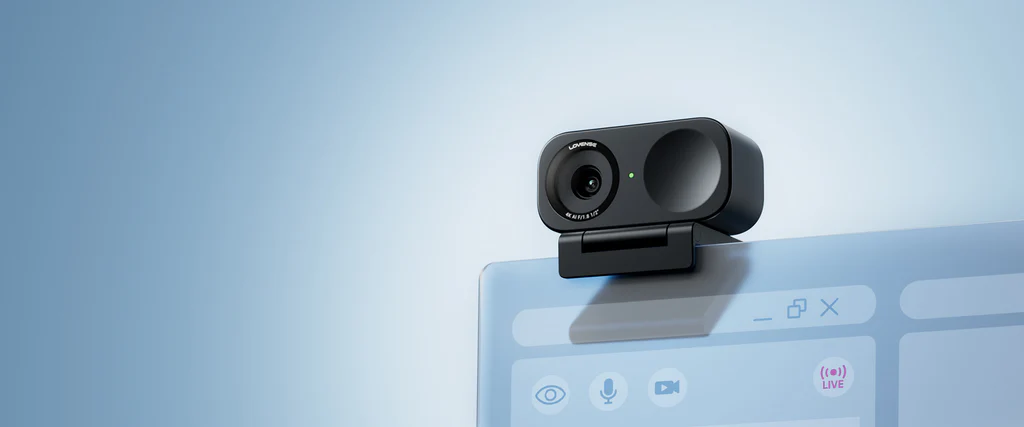
No cam model setup is complete without reliable gear. Sources like After Dark Management highlight that subpar equipment leads to viewer drop-off, with laggy streams costing up to 50% in tips. Start with the basics and scale as earnings grow.
Key components include:
- A high-definition webcam for crisp visuals.
- A capable computer to handle multitasking.
- Stable internet to prevent interruptions.
- Quality audio tools for clear communication.
Suggestions based on 2026 tech trends
| Item | Budget Option (Price Range) | Premium Upgrade (Price Range) | Why It Matters |
| Webcam | Logitech C920 (£40-60) – still solid and widely used | Logitech MX Brio 4K or Elgato Facecam MK.2 (£120-180) | Ensures 1080p+ resolution; C920 is reliable but aging (2012 model)—many 2026 guides now recommend newer budget 4K options for superior low-light, autofocus, and features that boost viewer retention. |
| Computer/Laptop | Intel Core i5 / AMD Ryzen 5 with 16GB RAM minimum (£350-500) | AMD Ryzen 7 or Intel Core i7 with 16-32GB RAM and SSD (£600-900+) | Handles streaming software like OBS without crashes; 16GB RAM is the realistic minimum for multi-platform broadcasting, chat, and background apps—8GB often struggles with lag or dropped frames. |
| Internet Setup | Basic Ethernet cable (£5-10) | Powerline adapters (£30-50) | Provides 10+ Mbps upload speeds; adapters extend wired connections in large homes. |
| Microphone | Fifine USB Mic (£15-25) | Blue Yeti Nano (£80-100) | Delivers echo-free sound; pop filters reduce plosives for professional audio quality. |
For Beginngers: Invest under £300 initially, as per Nikki Night’s advice, and test everything via platform previews to iron out issues.
Lovense Webcam 2 – Made for Models
Lovense webcam 2 is an excellent choice for models in 2026, delivering professional-grade performance tailored to interactive streaming.
With its Ultra HD 4K resolution, superior low-light capabilities via a 1/2″ sensor and HDR, and seamless integration with Lovense’s camming software (like Cam Extension and Stream Master), it enables tip-activated features such as auto-zoom to preset body areas—directly boosting viewer engagement and earnings.
AI-powered tools like auto-framing, gesture/mobile controls, and advanced noise-canceling audio ensure hands-free operation, crystal-clear visuals, and professional sound without extra mics. Setup is straightforward and it outperforms generic options like the Logitech Brio in niche interactivity while running cooler and more efficiently.
Lovense Webcam 2 Specifications
| Specification | Details |
|---|---|
| Dimensions (W x H x D) | 62.7 × 30.2 × 26 mm |
| Weight | 46.5 g |
| Warranty | 1 year |
| Sensor Size | 1/2″ |
| Max Video Resolution | 4K@30fps |
| Video Coding Format | H.264, MJPEG |
| Exposure Compensation | ±3 EV |
| ISO | 100–3200 |
| Shutter Speed | 1/8000–1/30s |
| Aperture | F1.8 |
| Digital Zoom | Up to 4x |
| Power Consumption | 5V/1A |
| Operating Temperature | 32°F to 104°F (0°C to 40°C) |
| Mounting Options | Magnetic Mount with 1/4″ mounting point for external tripod |
Step 3: Mastering Lighting for Flattering Cam Shows
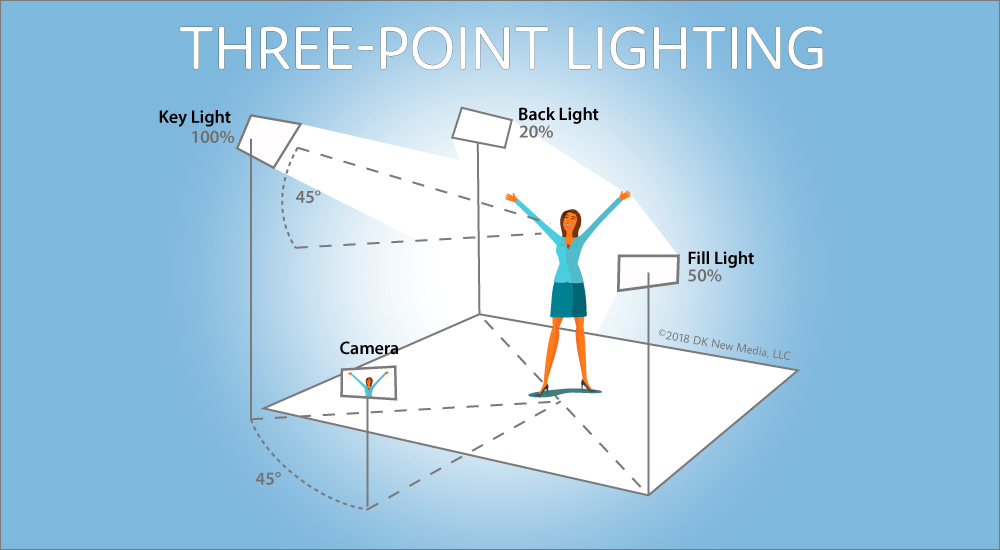
Lighting can make or break your on-screen appeal, transforming a dull feed into a captivating one. BlazeFyre’s in-depth guides note that proper illumination flatters skin tones and creates mood, directly impacting viewer dwell time—often extending sessions by 15-20 minutes.
Begin with affordable setups:
- Ring Lights: An 18-inch dimmable model placed at eye level eliminates shadows and adds a professional glow.
- Softbox Kits: Dual softboxes for diffused, even light; position one on each side for balanced coverage.
- Three-Point System: Add a backlight to separate you from the background, per Peeks Social recommendations.
Avoid common errors like relying on overhead room lights, which cast unflattering shadows— a frequent complaint in r/CamGirlProblems threads. Instead, use warm 4000-5000K bulbs to mimic natural daylight. Test in different outfits; adjust intensity to prevent glare on glasses or oily skin. For budget hacks, Vocal Media suggests using phone flashlights diffused through white sheets. Advanced users can integrate smart lights synced to tips for dynamic effects, enhancing interactivity.
Step 4: Audio Setup and Quality Optimization
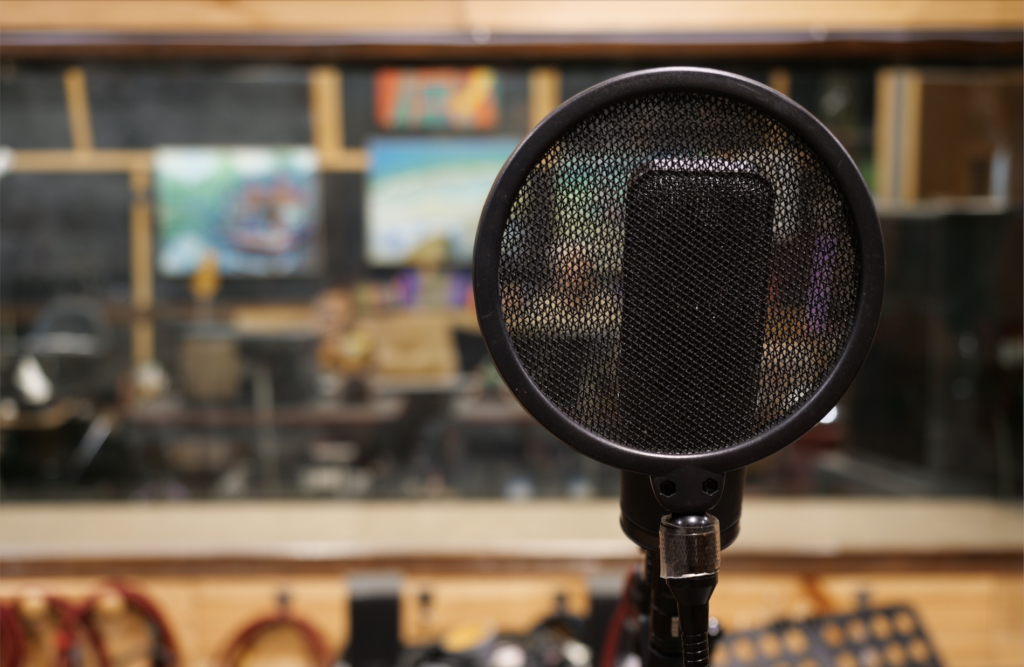
Clear audio is non-negotiable for building connections, as muffled sound frustrates viewers and reduces tips. After Dark Management reports that models with dedicated mics see 25% higher engagement rates. Invest in an external USB microphone over built-in laptop ones to minimize background noise. Add a pop filter ($5-10) to soften harsh sounds like “p” and “b.” Position the mic 6-12 inches from your mouth, angled slightly off-axis.
CamStar Agency advises soundproofing with simple additions like rugs or foam panels to dampen echoes in home setups. Software tweaks include using noise gates in OBS to filter out fan hums or street noise. Test audio levels pre-show—speak at varying volumes and play back recordings. For immersive experiences, incorporate ASMR elements with sensitive mics, as suggested in several Quora discussions. Remember, audio syncs with visuals; lag here can ruin interactive toy responses.
Step 5: Room and Background Design for Engagement
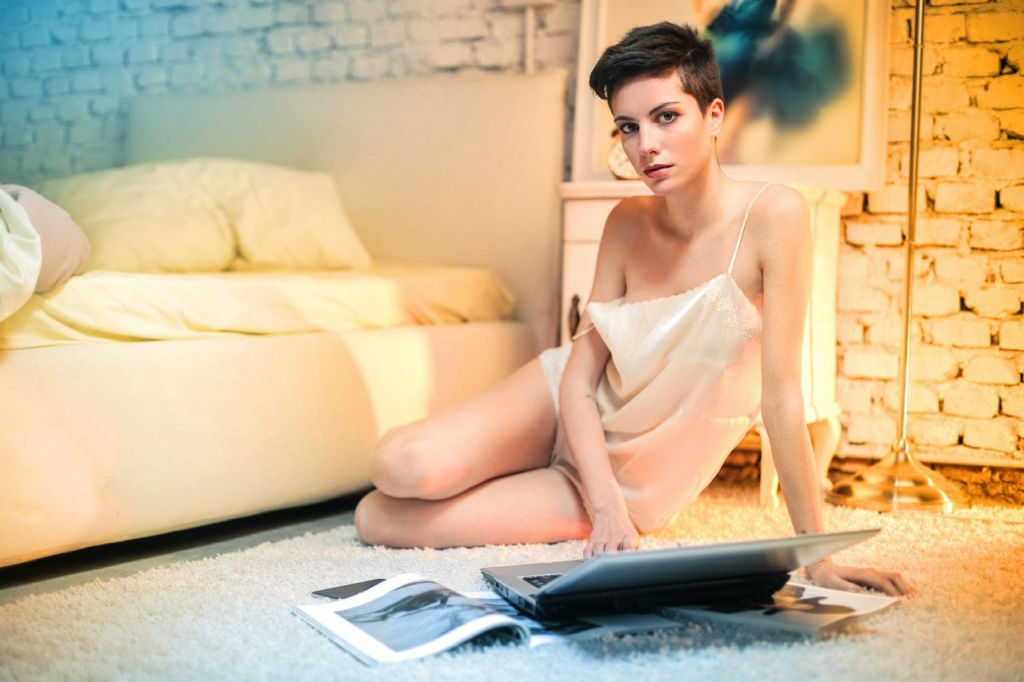
Your room is your stage—make it inviting yet professional. BlazeFyre emphasizes authenticity over perfection, as overly staged setups can feel impersonal.
- Backdrop Choices: Use neutral walls or tapestries ($10-30) to hide clutter; add fairy lights for ambiance.
- Furniture Essentials: A comfortable bed or chair with pillows for posing; ensure it’s stable for dynamic movements.
- Props and Decor: Incorporate niche items like toys or costumes visible but not overwhelming.
- Zoning your Space: Having a “performance area” separate from personal zones to maintain privacy. Avoid reflective surfaces that cause glare, and opt for matte finishes.
- Ergonomics Matter: Use adjustable stands to prevent neck strain during hours-long streams. Reddit users swear by multi-angle setups with phone tripods ($15) for variety. Theme your room to your persona: cozy blankets for intimate chats or bold colors for energetic shows.
Step 6: Privacy and Security Measures

Privacy isn’t optional—it’s essential for longevity in camming. As Nikki Night warns, leaks can end careers, making proactive measures absolutely key to protecting yourself and your work.
Start with strong anonymity tools: many models rely on wigs, masks, or face-blurring software to obscure their identity, while blocking specific geographic regions on platforms helps limit exposure. Account security is equally critical—make sure to have two-factor authentication everywhere, use unique and strong passwords for each platform, and consider a VPN (around $5/month) to mask your IP address.
When it comes to content protection, watermark all your videos consistently, never share personal details, and stay vigilant by regularly performing reverse image searches to monitor for unauthorized reposts.
Handling trolls and unwanted interactions is another important layer. Peeks Social recommends muting or banning disruptive users right away. Keep your business life completely separate by using dedicated emails and social accounts that have no connection to your personal ones. For home-based models, practical steps like installing room dividers or soundproof doors can prevent family interruptions or accidental discoveries during sessions.
On the legal side, Boleyn Models emphasizes the importance of complying with 2257 regulations by maintaining proper records at all times. Finally, make it a habit to regularly review your platforms’ policies, especially since 2026 updates have introduced enhanced AI moderation tools designed to create safer environments for creators.
Step 7: Integrating Interactive Tools and Features
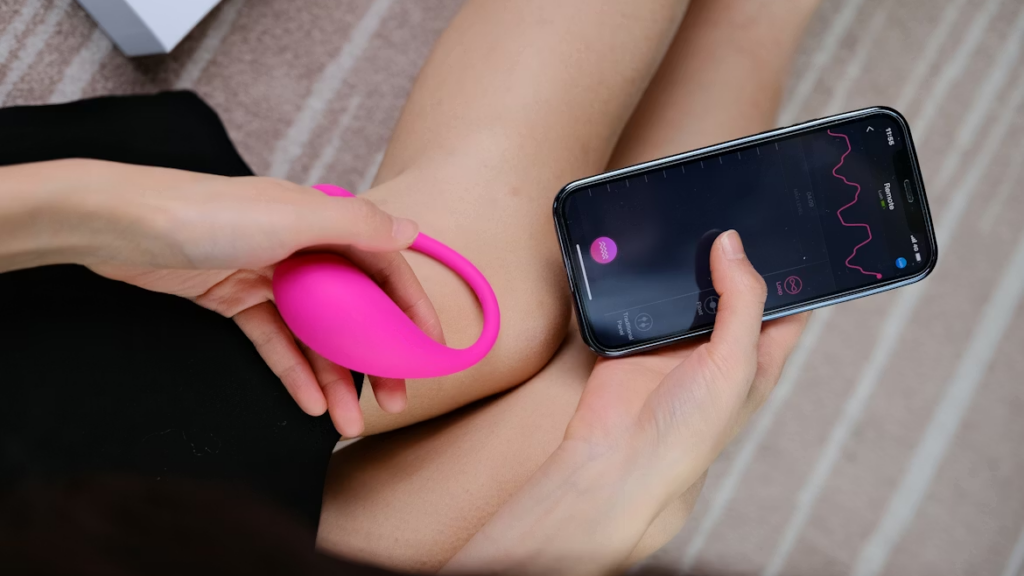
Interactive tools and elements turn passive viewers into active tippers. Toy integration can double earnings through tip-activated responses. Must-haves include…
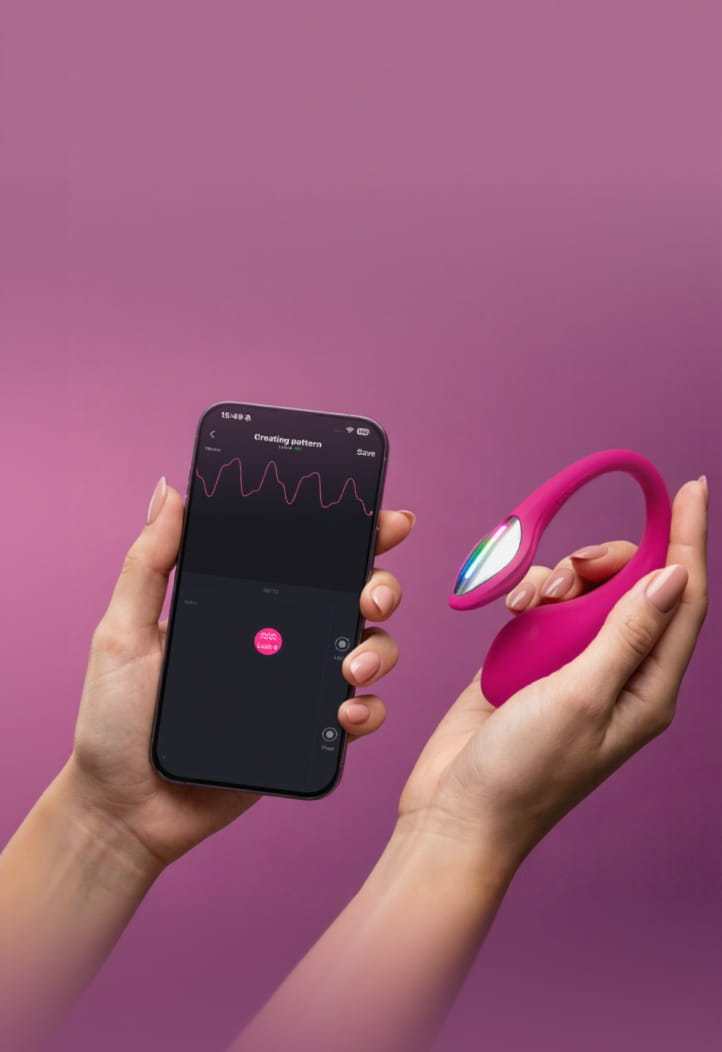
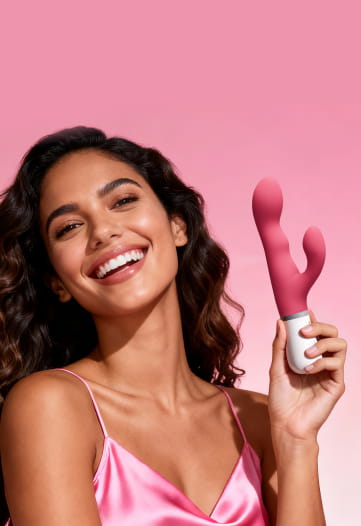
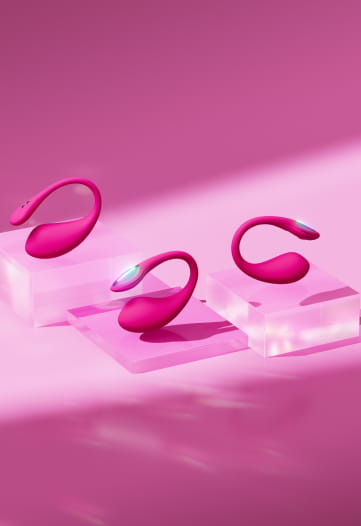
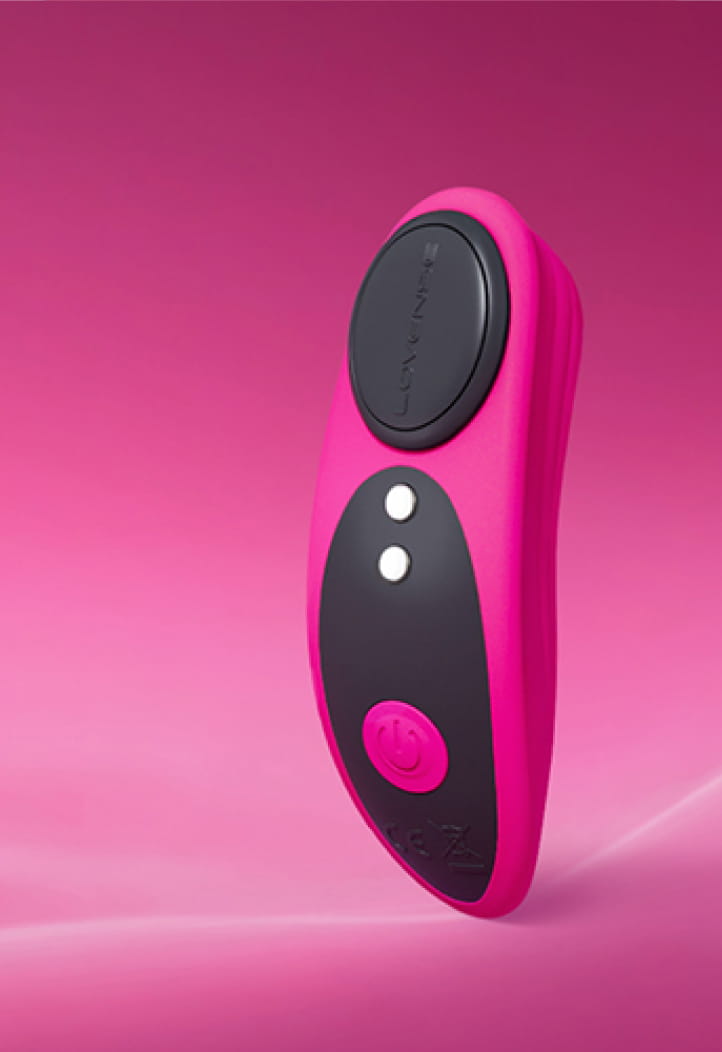
- Vibrators and Toys: Lovense Lush 4, Lush Anal, or for remote control; sync via apps to platforms like Chaturbate.
- Software Overlays: OBS Studio (free) for tip alerts, goal trackers, and chat integrations.
- Tip Menus: Display digital boards with actions like “50 tokens for dance.”
It’s okay to start simple. Connect a single toy via Bluetooth and test responsiveness. Advanced setups include multi-toy syncing for complex shows. Quora threads suggest custom scripts for automated responses. Ensure compatibility—Mac users may need workarounds. This boosts engagement, with data from CamStar indicating 30% more tips from interactive sessions.
Tip-Activated Sex Toys for Cam Models
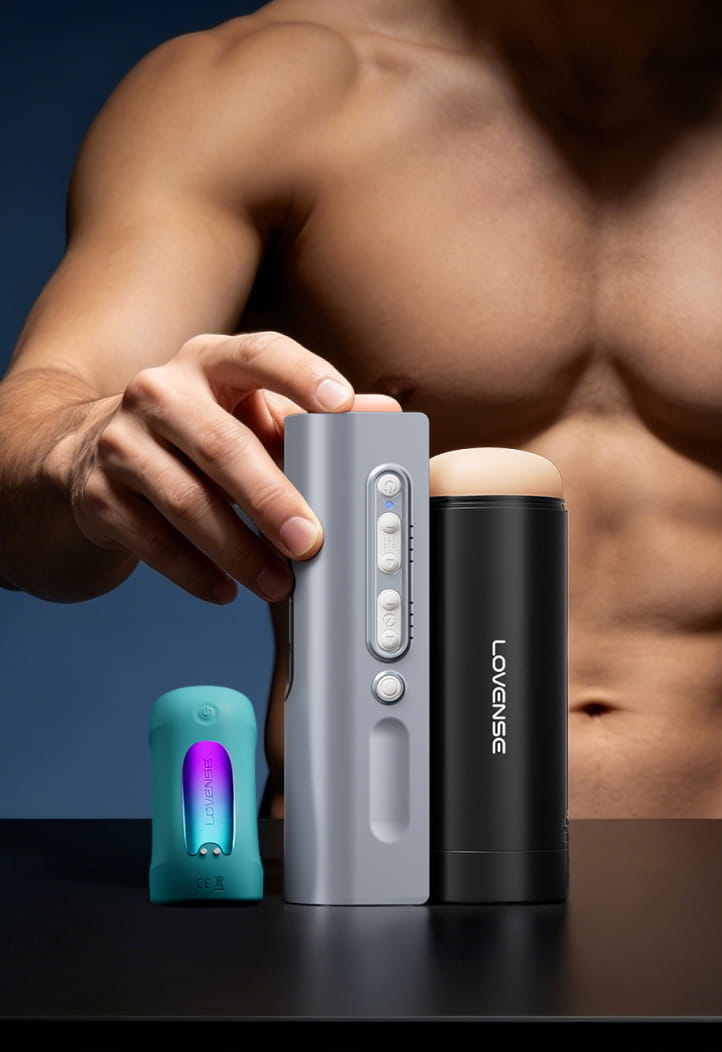
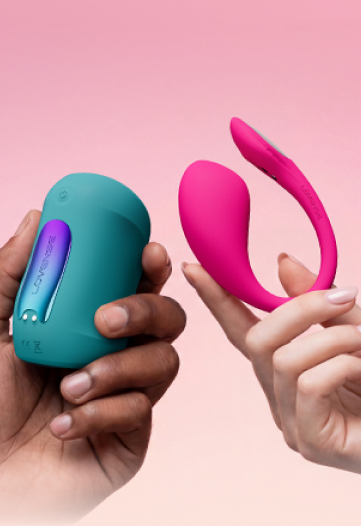
Lovense is the go-to brand for cam models thanks to its interactive sex toys and tipping features. Models set custom vibrations or patterns on the Lush 4 (best Bluetooth G-spot vibrator), Max 2 (AI-controlled stroker), and Domi 2 (super-powerful visual-friendly wand) triggered by specific tip amounts—turning donations into real-time pleasure that boosts engagement and earnings.
Step 8: Testing, Going Live, and Troubleshooting
Before hitting “Go Live,” rigorous testing prevents disasters. Boleyn Models stresses simulating full shows to catch glitches.
- Run speed tests and preview streams for lag.
- Adjust lighting and audio in real-time previews.
- Simulate interactions: Tip yourself via test accounts.
Going live: Schedule during peak hours (evenings EST), greet viewers warmly, and use icebreakers like “What’s your fantasy today?” from Peeks Social. Troubleshoot common issues:
- Lag: Switch to wired connections; close background apps.
- Shadows: Reposition lights; use diffusers.
- Empty Rooms: Promote on Twitter 30 minutes prior.
- Track metrics post-show: Wiewer count, tips earned—to refine your setup iteratively.
Step 9: Marketing and Scaling Your Setup
Once live, marketing becomes your key to amplifying reach and growing your audience beyond the platform. Vocal Media emphasizes building a strong social media presence to drive off-platform traffic, which funnels viewers directly to your streams and boosts overall visibility.
Effective strategies include regularly post teasers on Twitter (X) or Reddit with eye-catching previews, and incorporate relevant hashtags like #CamModel to increase discoverability. Content repurposing is another powerful tactic—edit short clips from your shows and upload them to platforms like OnlyFans; Nikki Night recommends creating a consistent posting schedule to keep engagement high without overwhelming yourself, reusing material across channels for maximum efficiency.
Networking helps too: join model communities and forums for collaborations, advice, and support—BlazeFyre often highlights forums as valuable resources for sharing tips and connecting with peers.
Scale gradually to sustain long-term success. Once you’re consistently earning $400–800+ per month—a common milestone for many models—consider upgrading to 4K gear like the Lovense Webcam 2 for sharper visuals that can enhance viewer retention and tips. Diversify your income streams with options such as merchandise sales or custom videos to reduce reliance on live sessions alone. To avoid burnout, stick to set schedules—limit yourself to a maximum of 4-5 hours daily, and prioritize rest and self-care.
Daily Prep: Test all your tech ahead of time, including webcam, microphone, and internet connection. Clean your space and equipment thoroughly for a polished look. Update your tip menu and any active goals to reflect current offerings. Double-check privacy settings to ensure everything is secure.
Weekly Review: Analyze your earnings, viewer feedback, and performance trends to spot what works best. Back up all content securely to protect your work. Stay current by checking for any platform updates or policy changes.
Conclusion: Launch Your Cam Model Journey
With this comprehensive cam model setup, you’re equipped to thrive in 2026’s dynamic camming landscape. Focus on quality gear, privacy, and engagement to build a sustainable career. Experiment, track progress, and scale smartly—many models report six-figure earnings with consistent effort. Ready? Hit that live button and own your space.
Want More Reads?
- Best Sex Toys for Cam Models 2026 – Interactive, Tip-Controlled Sex Toys
- Lush 4 for Cam Models: New Features to Bringin Tips
- Best Sex Toys for OnlyFans Cam Models: Boost Your Performance
- How Much Do Cam Models Really Make? Explore Real Figures!
- Lovense Webcam 2 vs 1 Review: Detailed Comparison for Camming