App-controlled vibrators are amazing when they work—and unbelievably annoying when they don’t. Most people expect to just download the app and hit “connect,” but the real setup involves Bluetooth quirks, permissions, updates, and a few steps nobody ever explains clearly. That’s why so many vibrators controlled by app disconnect, freeze, or refuse to pair like they’re on a bad date.
This guide walks you through the parts that actually matter:
It doens’t matter if you’re using Bluetooth sex toys for solo play or long-distance partner control, you’ll learn exactly how to get everything working smoothly.
What App-Controlled Vibrators Actually Do (And Why Setup Matters)
App-connected vibrators aren’t just “regular toys with an app slapped on.” They use Bluetooth, internal chips, sensors, and sometimes internet relay servers to give you features you can’t get from button-only toys. But that also makes the occasionally finicky.
Before you start pairing anything, it helps to understand how these devices behave and why a solid setup matters for long-term performance.
Difference Between Button Controls, App Controls, and Internet Controls
A vibrator controlled by an app has three different modes, and each works differently:
- Button control: This is the simplest mode. You tap the buttons on the toy to change patterns or intensity. It’s reliable, but limited.
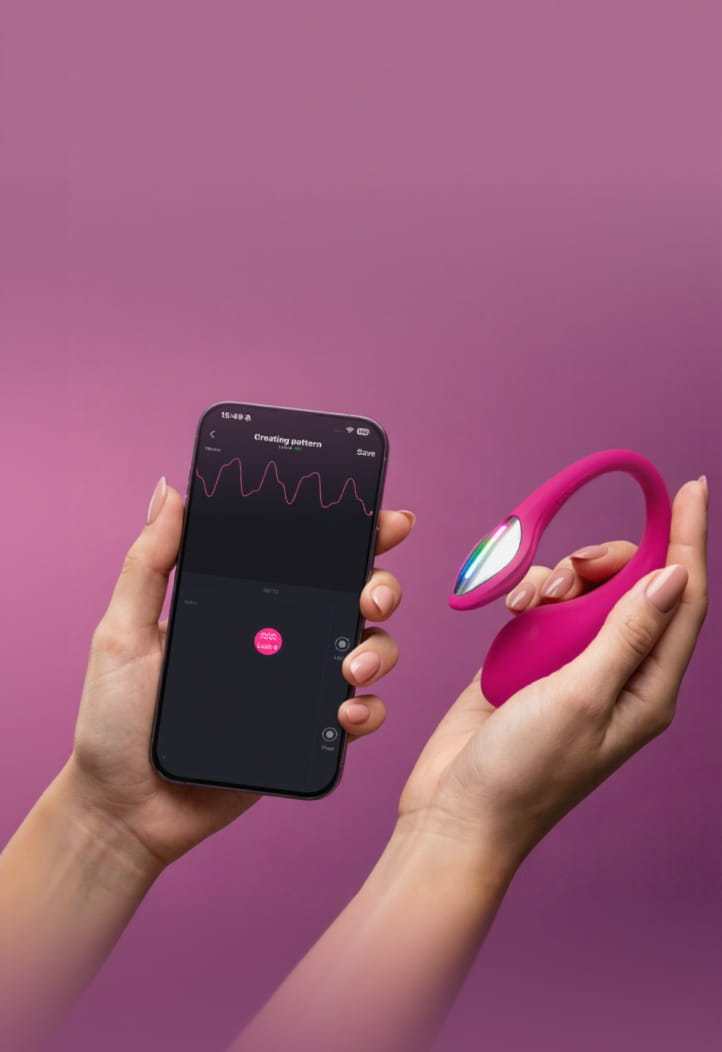
- App control: It sends commands from your phone to the vibrator using Bluetooth. This is where you find custom patterns, sliders, music sync, and more nuanced control.
- Internet/remote control: This is the long-distance mode for couples. It uses your phone’s internet to send signals through an app server so someone else can control it from anywhere. Keep in mind that some will still use BT to pair your toy to the phone (if you’re using things like sex sync).
Each mode has different connection strengths, battery needs, and limits.
When app control isn’t great:
- Have a low battery
- Just want something straightforward
- Have a lot of walls between your phone and toy
- You don’t want to pull your phone out every two seconds
When it’s perfect:
- You’re sharing control with a partner
- You want sound, music, or motion-reactive modes
- You’re trying to sync with video or VR
- Want to make custom patterns
- Need to connect to adult content
Optimizing & Pairing Your App-Controlled Sex Toy
It’s IMPORTANT to remember that not all apps/brands/products behave the same, so always follow the manufacturer’s settings or the brand’s setup guide. It will NEVER be through your phone/computer BT settings (like your headphones or speakers).
- Update the toy’s app so it’s compatible with your phone’s current OS.
- Make sure the app has permission to find nearby devices (this is required for detection).
- Disable battery-saving or power-management limits for the toy app so it isn’t paused or killed during pairing.
- Keep the phone unlocked and the app in the foreground while pairing.
- Close apps that constantly scan, sync, or compete for wireless access (fitness trackers, smart-home apps).
- Restart the phone if scanning repeatedly fails — this resets the wireless stack without touching toy settings.
- Avoid switching apps, locking the screen, or triggering notifications during pairing.
Why a Full Charge Prevents Pairing Problems
An app-controlled vibrator may turn on at low battery, but it might not hold a stable connection. You might see it appear and disappear in the app, buzz once and shut off, or show “connected” without responding. Make sure it’s charged up before a session.
Pairing in the Right Order: Bluetooth First, Internet Second
- Make sure the app/software is installed
- If you’re connecting to media makes sure it’s on and ready (audiobook, adult videos, x-rated games)
- Turn the vibrator ON.
- Turn on wifi and Bluetooth.
- Go to the pairing menu
- Wait for the toy to show up or “search” for it
- Tap to connect.
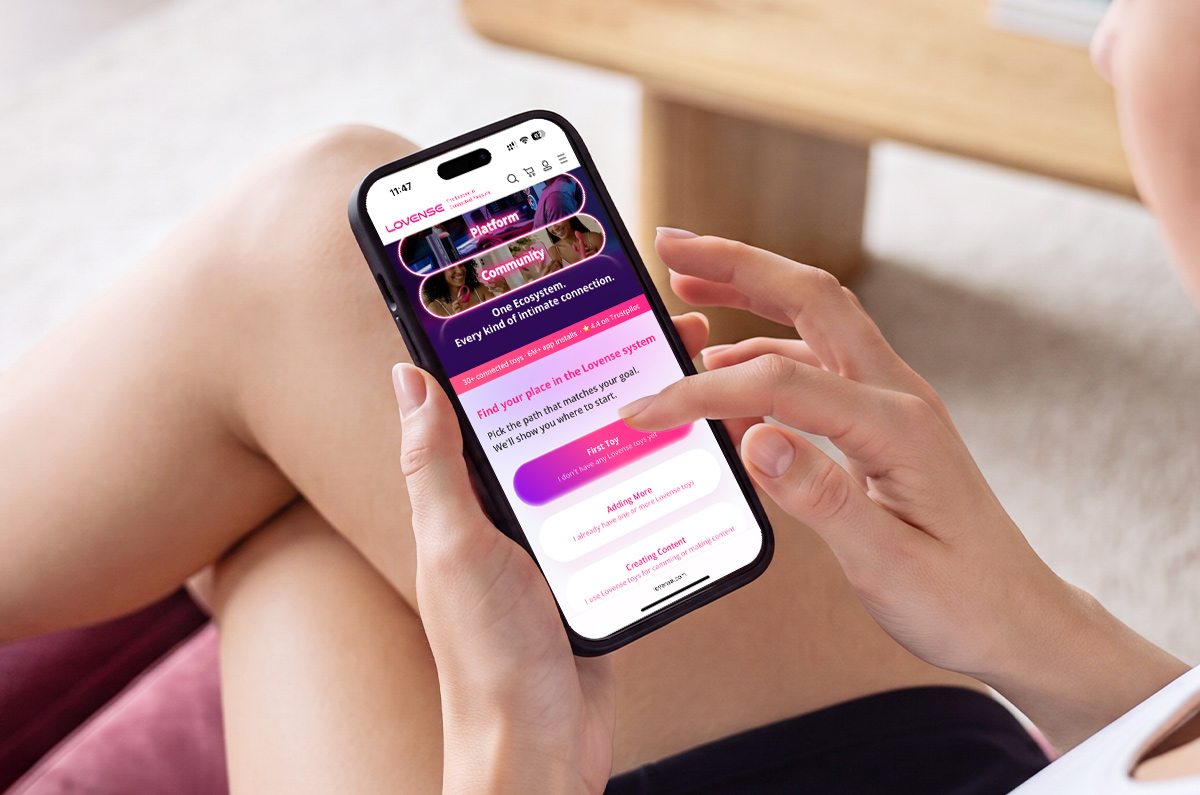
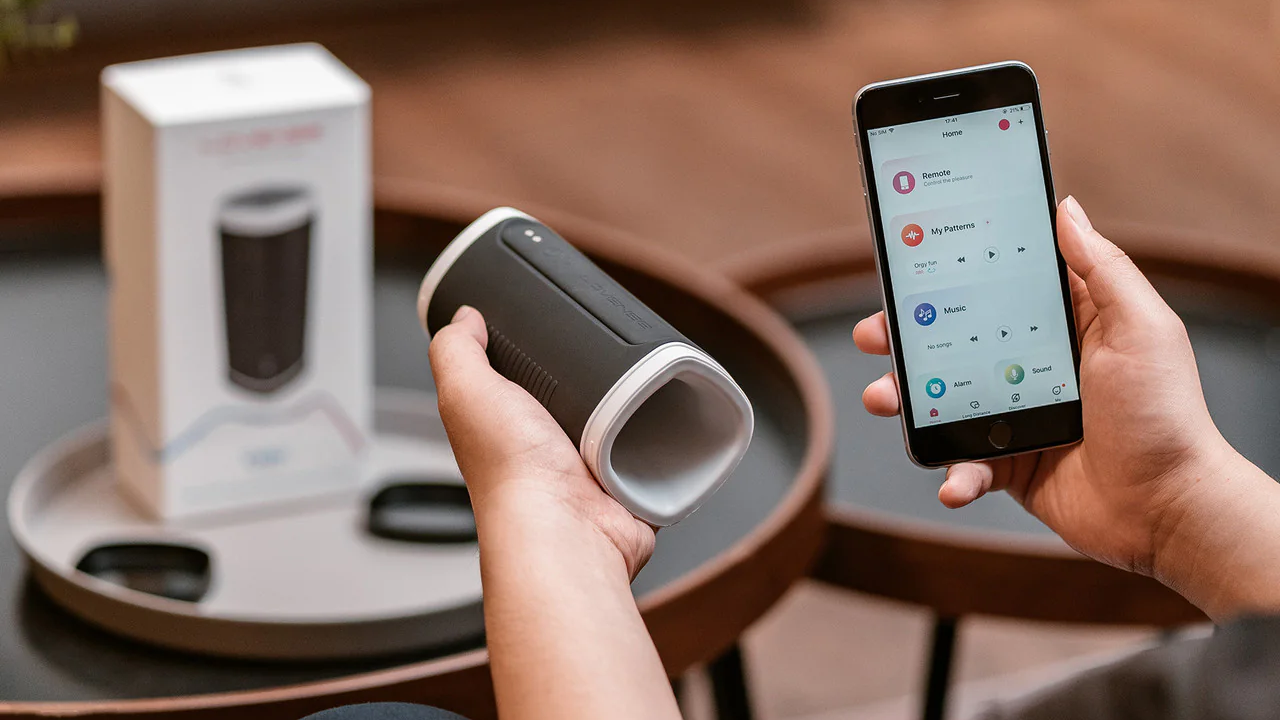
Here’s an example through the Lovense system:
- Open and log into Lovense Remote.
- Make sure that your partner’s toys are connected to Lovense Remote, and not to the Bluetooth Manager on their smartphone.
- Go to the “Long Distance” tab and open the chat window for the partner you want to use Live Control with. If you don’t see the contact in the list, tap “+” and send a friend request first.
- Tap “Live Control” to send your partner a Live control request. After they accept it, you will be able to control their toys.
Common Smart Sex Toy Problems & Possible Solutions
This list is generalized solutions that cover most issues – but always go the brand/toy guide, troubleshooting guide, FAQ, or customer service contact.
Problem: The toy doesn’t appear in the app’s list.
Possible solution: Confirm the toy is ON, confirm your Wi-Fi and/or Bluetooth is ON (whatever the app uses), and confirm there’s enough charge for the first pairing. Charge first if pairing is failing. Some apps will show the toy’s battery level once it’s detected.
Problem: The toy is too far away or blocked by thick material (is someone is wearing the toy already).
Possible solution: Bring the phone and toy very close during scanning and first connection, then test stability before moving around. Or pair before you wear.
Problem: The toy has gone into auto-sleep.
Possible solution: Turn the toy off, wait a few seconds, turn it back on, then scan immediately. If the toy has a pairing window, you want to be scanning during it. Check for possible sleep mode or auto-disconnect time settings in the app.
Problem: The app has the wrong permissions (common on Android).
Possible solution: Enable the permissions the app needs to scan/connect (this often includes Location permission on Android for Bluetooth scanning). After changing permissions, fully close and reopen the app before scanning again.
Problem: The app is glitching or stuck.
Possible solution: Force close the app and reopen it. If it keeps happening, restart the phone and try again. If the app is still unstable, reinstalling the app is a common last-step fix.
Problem: Android kills the app in the background.
Possible solution: Set the toy app’s battery usage to unrestricted / allow background activity so the connection doesn’t drop when the phone decides the app is “idle.”
Problem: Your phone switches from Wi-Fi to data mid-session (long-distance).
Possible solution: Turn off the phone features that auto-switch networks and keep the connection stable. Pick one connection type for the session so the app doesn’t bounce.
Problem: Local control lag (same room).
Possible solution: Close background apps, disconnect other Bluetooth devices, and restart the phone and toy. Local lag is usually the phone/app struggling, not your partner’s internet.
Problem: Partner control lag (long-distance).
Possible solution: This is usually an internet delay, Wi-Fi switching, or weak upload on either end. Restart the app on both ends before starting, and stabilize the connection.
Problem: Severe delay (5–10 seconds).
Possible solution: VPNs, throttling, or server routing can cause big delays. Disable VPN, restart the app to refresh the session, and disable power-saving modes that limit background networking.
Permissions and When They’re Needed vs Not
App-controlled sex toy apps ask for permissions so they can actually do what they’re designed to do. Bluetooth (and nearby device access) is needed for the app to find and control the toy — without it, the app can’t see the device at all. Internet access is needed for long-distance control, partner sessions, and syncing patterns, but local control still works without it.
Other permissions are optional: microphone access is only for sound- or music-reactive modes, camera access is only for in-app video or photo sharing, and notifications are just for alerts. If you don’t use those features, you can deny them without breaking basic pairing or control.
Safety & Privacy for Connected Vibrators
Connected vibrators are generally safe, but privacy depends on how the app is used.
Partner control runs through temporary sessions you start in the app — your partner controls your app, not the toy directly, and access ends as soon as you close the session or turn the toy off.
If anything feels wrong, ending the session or changing your password cuts access immediately.
Apps mainly store account info and settings, so the real risks are weak passwords, shared devices, outdated apps, or leaving the app open on an unlocked phone. Stick to official app stores, keep the app updated, and remove partners you no longer trust.
Maintaining a Smart Vibrator (Tech Edition)
- Keep the firmware updated to prevent freezes, disconnects, bad vibration timing, and battery display errors.
- Charge before first use and avoid letting the battery drain to 0%, which permanently damages it.
- Don’t leave the toy charging overnight or on fabric surfaces where heat builds up.
- Use the charger and power level recommended by the brand.
- Charge only after the toy is fully dry to protect the charging port and internal board.
- Let magnetic chargers snap on naturally; don’t force, twist, or bend the cable.
- Keep charging contacts clean and free of dust or lint.
- Store the toy around 40–60% battery if it won’t be used for weeks.
- Restart the toy and app if updates or connections glitch; repeated failures mean internal wear.
- Replace the toy if vibration weakens permanently, it shuts off randomly, overheats, loses range, or can’t update firmware anymore.
Advanced Tools Most Users Never Use
If you’re not sure about using all the extras that come with smart sex toys, that’s understandable — they take a bit more setup. But when you do use them, they can completely change how the toy feels and how much control you have, especially for long-distance play or more intentional sessions.
The app goodies are usually the reason people go high-tech…
- Pairing more than one toy at a time
- Syncing multiple toys to the same pattern for mirrored sensations
- Saving and revisiting old sessions
- Modes that react to movement or speed
- Saved routines you can reuse instead of starting from scratch
- Connecting to x-rated games
| Feature | What it does | What helps it work well |
|---|---|---|
| Shared/group control | Lets partners split or share control in real time | Stable internet, fully charged toys, app kept open |
| Custom patterns | Creates smooth ramps, pulses, and edge cycles | Time to set up, app stability |
| VR or interactive video | Changes vibration based on scenes or motion | Strong Wi-Fi or mobile data, lower video settings |
| Sound-reactive modes | Responds to music, voice, or bass | Microphone permission, clean audio input |
Remote Sex Toy FAQs
Most pairing issues come from low battery, Bluetooth cache conflicts, or the toy already being connected to another device.
Bluetooth interference, battery-saving settings, or weak Wi-Fi (for remote mode) cause most dropouts.
They’re needed for sound-reactive mods, in-app video calls, etc. They should never gather data.
Use the built-in “partner control” function. It creates a temporary secure session you can revoke instantly.
Update whenever prompted. Firmware patches fix bugs, stability issues, and connectivity errors.
Keep water away from charging ports, use mild soap, and dry fully before charging – unless its’ IXP7 waterproof and the product says it can be immersed in water.
Lag comes from internet delay, not the toy. Mobile data is often smoother than weak Wi-Fi.
2–5 (sometimes 10) years, depending on battery health, motor wear, manufacturing quality, and whether the brand updates its app regularly.
Are Teledildonic Sex Toys Worth It?
App-controlled vibrators are incredible when everything is set up properly, and now you know exactly how to avoid the issues that frustrate most people. The right prep, the right permissions, and the right maintenance keep your toy responsive, reliable, and easy to use — whether you’re playing solo or with someone across the world.
They’re fantastic even if you’re not in a long-distance relationship. And since they’re more common, they’ve become more affordable.
Looking for reliable app-controlled toys?
Lovense builds and maintains its app with its own in-house programming team (which is rare in the sex toy industry). So, updates and bug fixes land fast and actually keep things working. If you want toys that stay stable long-term, they’re the brand to check out.